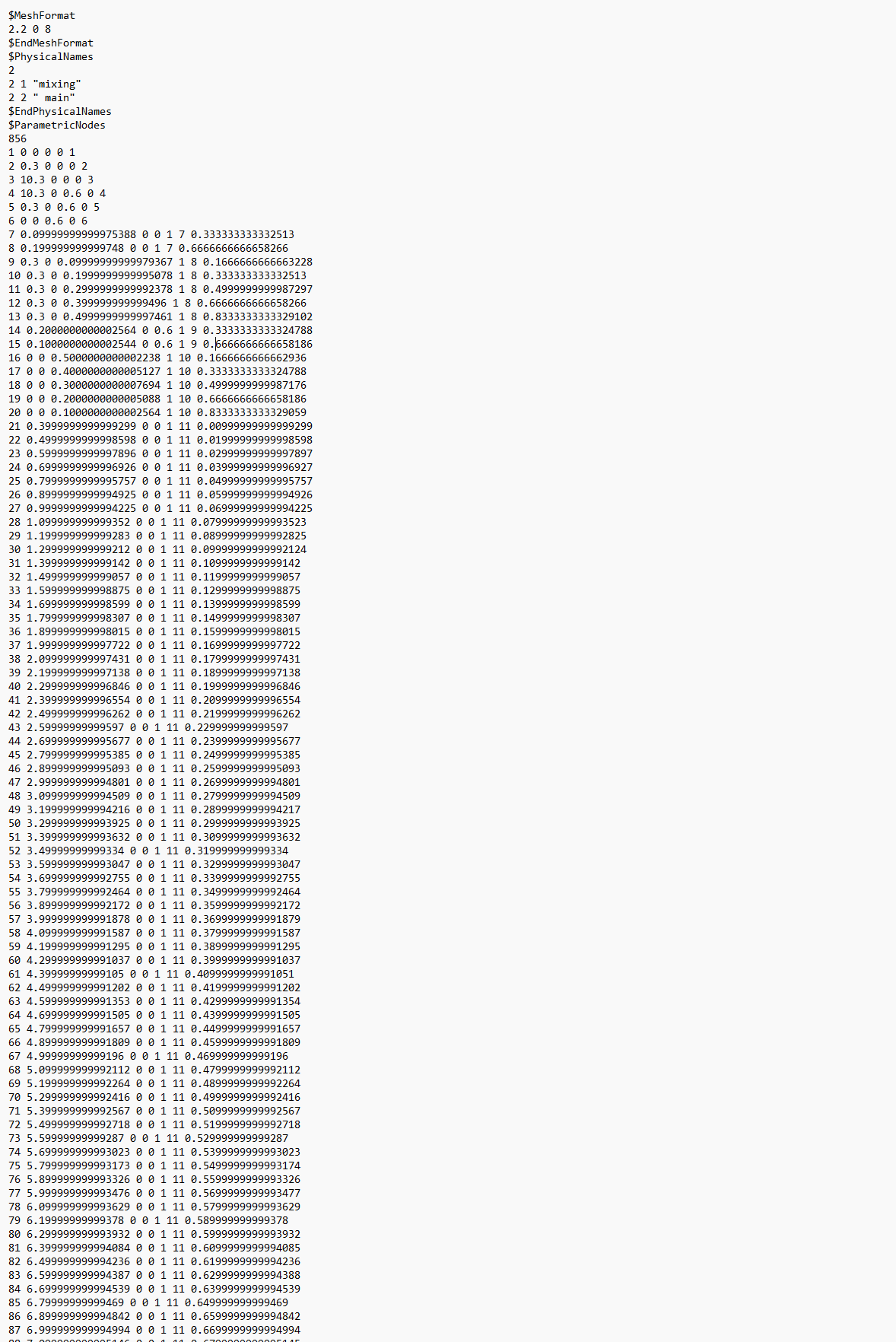
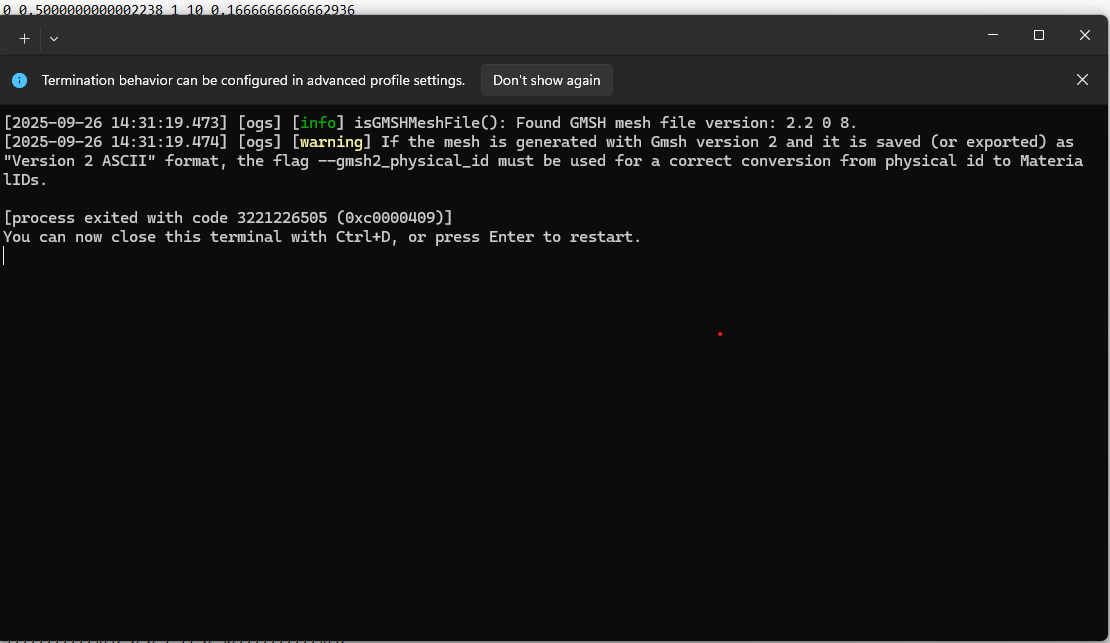
I am a beginner of ogs. I have a problem importing gmsh file into data explorer to convert the file into readable format for ogs software. I am using ogs 6.5 with the latest version of data explorer. Is there something I’m not doing? Thanks for your help.
Loading a gmsh mesh is a bit different from loading a vtk mesh. A gmsh mesh has to be ‘imported’. In the DataExplorer GUI you have to click ‘File’ → ‘Import Files’ → ‘GMSH Files…’.
This is a geometric description of a domain (file ending ‘geo’). You can use this data / file in gmsh to create a mesh in gmsh format (file ending ‘msh’). This can then be imported into the DataExplorer as described earlier.
The issue of loading the gmsh mesh using DataExplorer can be reproduced. What you can do to continue your work is to use the tool GMSH2OGS to convert the gmsh mesh to a vtu mesh:
However, I couldn’t load other simple vtu meshes in DataExplorer, too. So I guess there is a bug discovered by you. Maybe a previous version of DataExplorer works for your purposes?
Hello. it crashed again. This is what I did: I exported the mesh file as .msh from Gmsh. Then I went to ogs data explorer > file > import > import gmsh files > then it loads few seconds and closes automatically